This service transform a set of ggb files adding GGB code to snapshot activity at a certain stage. These snapshots could be added automatically, when some watched variables changes during student's activity, or by user request. The snapshots are stuffed into the GGB file when you save it or can be written onto an HTML file. The snapshot thus added helps to give consistent reporting when grading multi-step activities in Moodle using automatic grading. The Moodle plugin moodle-mod_geogebra takes care to store these augmented .ggb(s) and the forked version of plugin moodle-grade-extended offer a way to produce a detailed electronic report (in PDF) for a class. This report could list all the snapshots for all the steps for all the exercises in a class. This huge documentation is still required sometimes by (rather dull) school management policies in order to provide evidence for your notes. Providing all this printed on paper simply takes a print command onto the PDF file and a good deal of disturbing environmental un-awareness.
An example of this service is running here and an example of a GGB activity with added reporting capability can be found here.
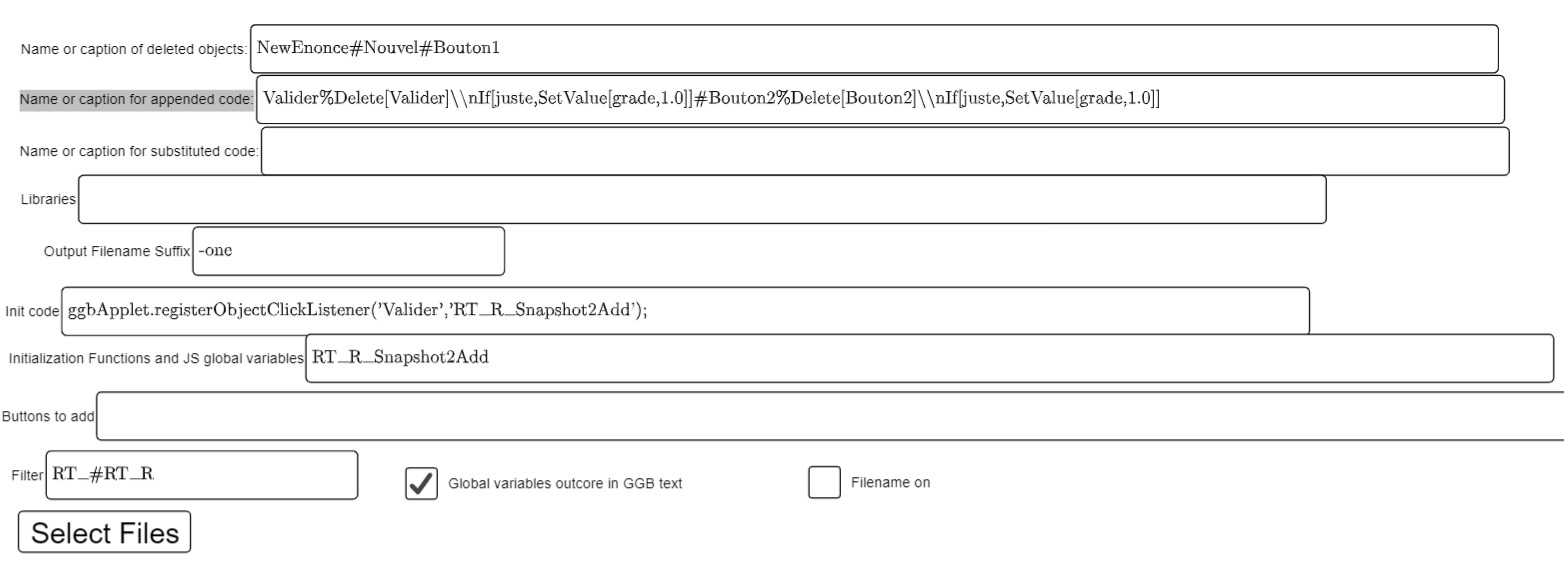
When you start the service that adds reporting to your GGB activity you see a minimal GUI to enter some parameters before pressing the "Add reporting".
On the lower part there is a check for adding code that compress the deltas between two snap images. Usually reporting takes some space and grows the .ggb size. Compressing is supported but it slows down the GGB activity and the space requirements for these activities are not so demanding, YMMV.
The Libraries field is a percent (%) separated list of URL. The URL are not downloaded and inserted into the output code. They are passed as references that will be downloaded when the activity runs. If you use HTTP URL for the libraries there will be no problem. On the other hand, the relative path used in the figure requires that these packages are on the server where the produced GGB is.
The other four lines "Watch for iteration|error|ok" are a hash (#) separated lists of identifiers possibly followed by a number like in numexo%40#Bouton1%40. This number defines a "overrun limit" for this activity.
The package takes care to insert code that watch any change in the given variables. If the given variable do not exist it is simply ignored. Therefore you can keep together lists for several activities.
In general when one of these object changes a snapshot is taken. If you snapshoot twice the same situation a useless double copy will not be recorded. However to avoid taking too many shots we stop taking pics when the "iterations" goes beyond the sum of "ok"s and "errors" of the given overrun limit.